
Overview
Ask is an AI‑powered assistant built into the HappySignals platform. It helps you understand, explore, and explain your employee experience data using natural language.
Instead of navigating multiple dashboards or interpreting charts on your own, you can ask questions about your experience data and receive clear, structured answers based on the data you are authorized to see.
Ask is designed to support analysis and decision‑making. It does not change your data, automate actions, or make decisions on your behalf.
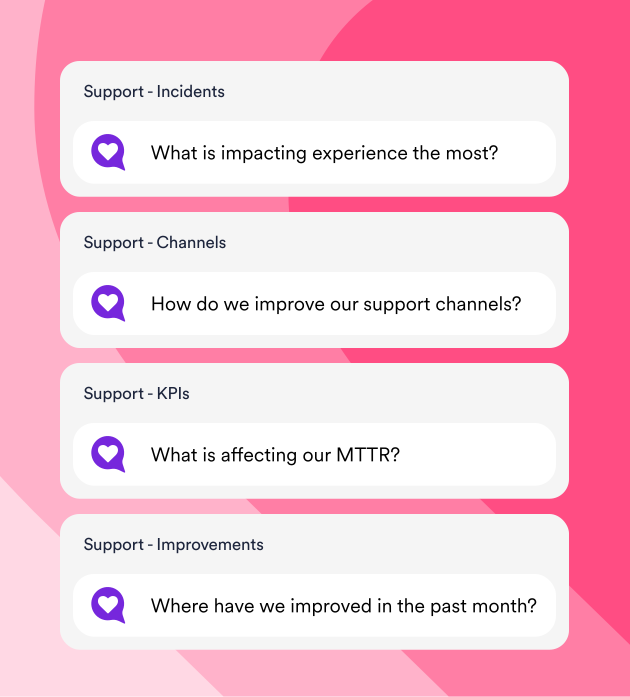
What Ask is designed for
It helps you:
- Interpret experience data more easily
- Turn numbers and charts into written insights
- Discover patterns, trends, and focus areas faster
- Prepare summaries and explanations for different audiences
Typical use cases include understanding service performance, identifying improvement priorities, comparing results over time, and preparing stakeholder‑ready explanations.
What Ask is not
To set clear expectations, Ask does not:
- Replace HappySignals dashboards, reports, or analytics
- Modify data, surveys, filters, or configurations
- Make decisions or take actions for yourself
- Act as a system of record
- Identify individual employees or users
All decisions and actions remain the responsibility of the user.
How Ask works
It operates as a conversational layer on top of your existing HappySignals data and analytics.
Context‑Aware by design
Ask understands the context of where you are in the platform, including:
- The page you are viewing, such as Dashboard, Measure, or Identify Experience
- Active filters and selected time periods
Based on this context:
- Suggested questions change depending on the page
- Answers are generated using your current page, filters, and selected time period
- If the context changes significantly, you may be asked to start a new conversation
Ask is intended as a practitioner tool, not as a standalone executive reporting bot.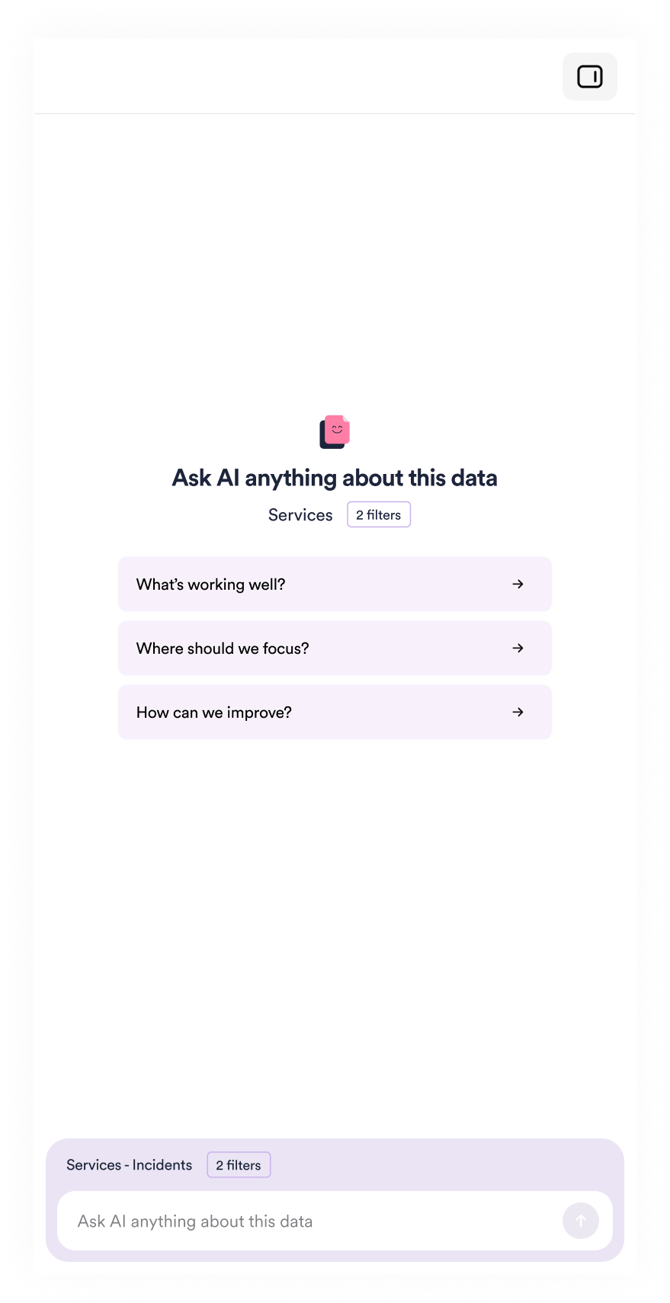
Time periods and filters
- Default time ranges depend on the page you are on, for example, the Dashboard often uses the last six months.
- Ask always respects active filters and time selections.
- You can also ask questions about different time periods in plain language.
- Changing filters or time ranges affects the answers you receive.
Asking good questions
A simple rule applies:
If a question is not clear to a human, it is not clear to the AI.
Best Practices
- Be as specific as possible
- Use filters to narrow the scope
- Ask follow‑up questions to refine the result
- Rephrase the question if the answer is not what you expected
Avoid
- Vague or overly broad questions
- Multiple objectives in one question
- Conflicting time references
- Requests for data you are not authorized to access
Examples of what you can ask
Examples of questions Ask can help with include:
- Which services should we focus on improving?
- Which devices provide the best employee experience?
- How has a support channel developed over the last six months?
- Which areas generate the most lost time?
- How do our results compare to benchmarks?
Ask can also help generate text, such as:
- Short reports or summaries
- Internal or external email drafts
- Stakeholder‑ready explanations
The tool does not publish content automatically or change any settings.
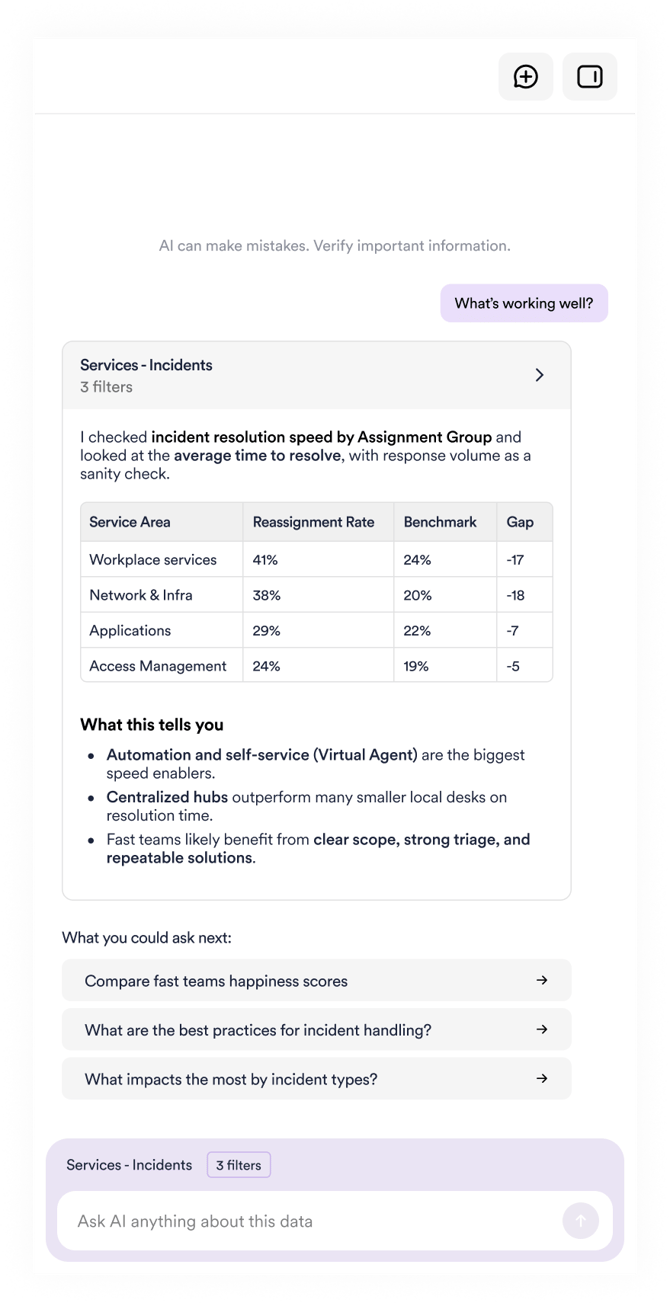
Conversation history and feedback
- Recent conversations are saved and can be revisited.
- Ask uses the previous conversation context within a session.
- Thumbs up and thumbs down feedback helps improve responses and suggested questions.
Ask does not use your customer data to train shared AI models.
Security, privacy, and responsible AI
Ask is designed to meet enterprise security and privacy expectations.
Key principles include:
- Only the data you are allowed to see is used
- Your data is not shared with other customers
- No personal or identifiable user information is returned in answers
- Ask does not use the public internet to answer questions
- Conversations are logged at the tenant level for audit purposes
The underlying AI model is deployed regionally using Azure OpenAI services to meet data protection requirements.
Important notes
- Ask supports analysis but does not replace expert judgment.
- Results should be validated using HappySignals dashboards and reports when making important decisions.
- The feature is continuously improved based on user feedback.
Summary
Ask makes experience intelligence easier to access, understand, and communicate. By allowing you to ask questions in natural language, it helps shorten the path from data to insight while respecting security, privacy, and access boundaries.